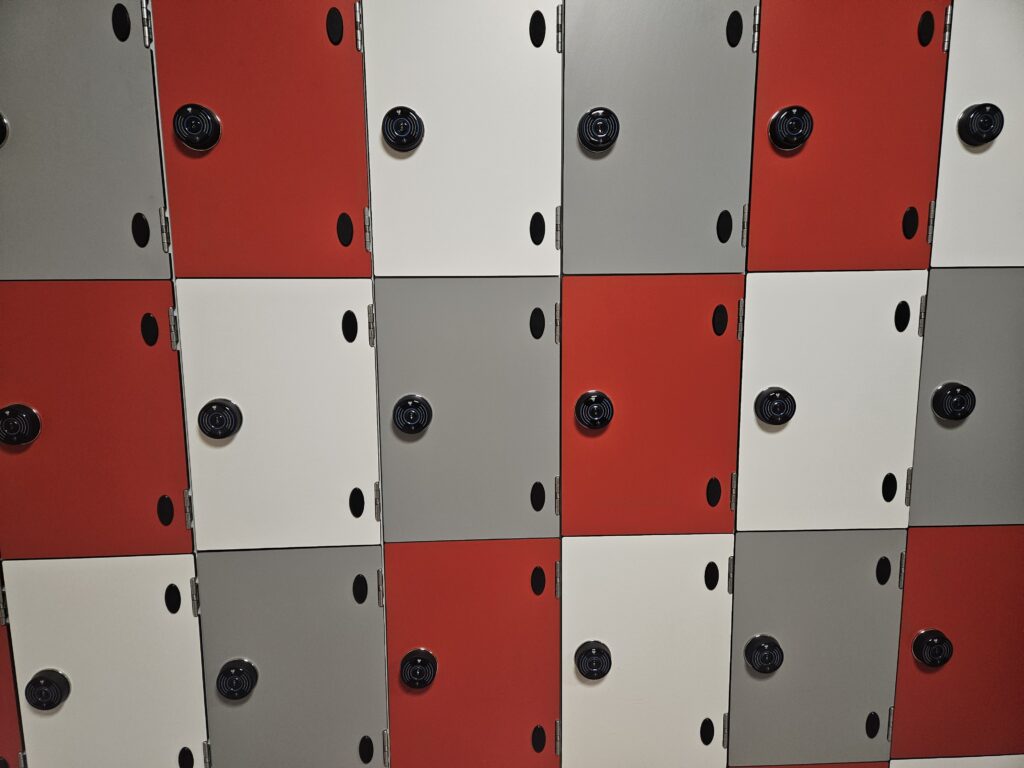
Secure personal storage for employees. This can either be used with ECHO in Private Mode, where locks are assigned to staff, or in Registered Public Mode, where staff can choose their own lock.

Search our website
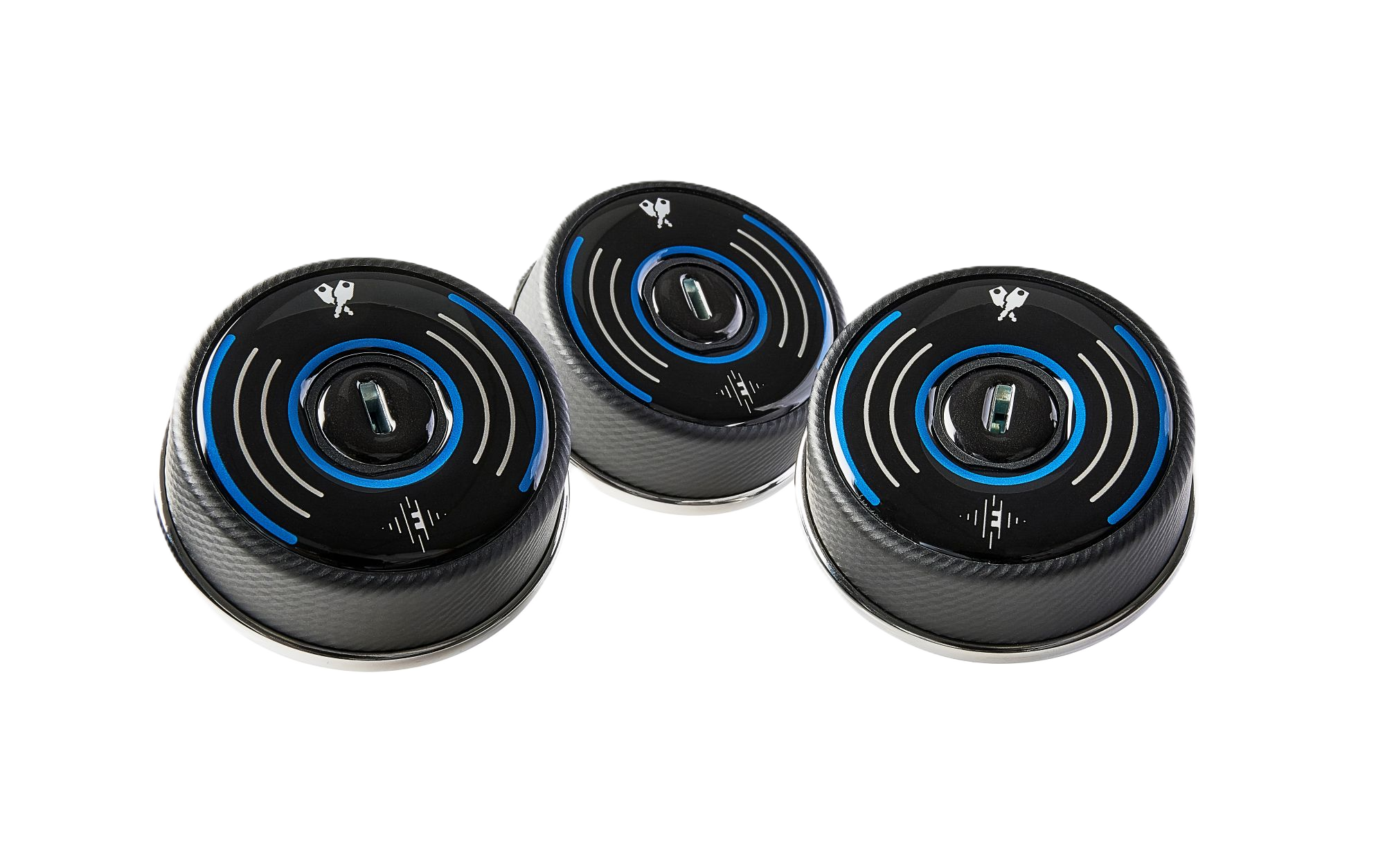

Meet ECHO
The revolutionary, locking system that operates without batteries, powered by cutting-edge NFC technology
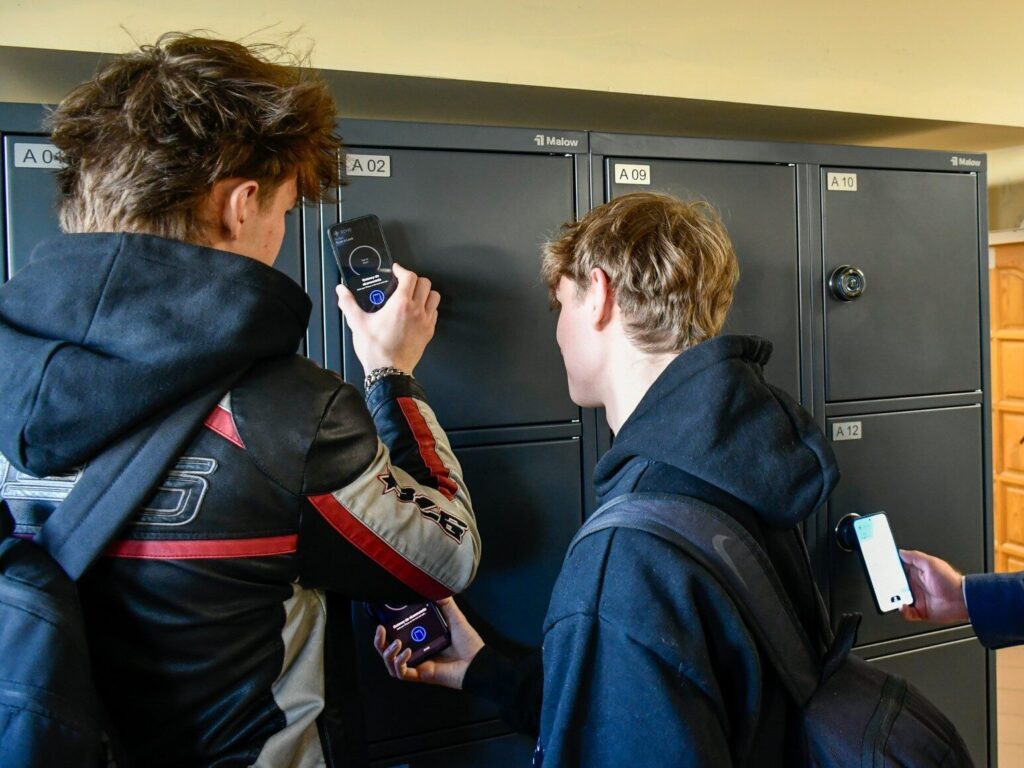
Lock and unlock with just a tap of your smartphone – no keys, no batteries, no maintenance.
THE ECHO WAY
The eco-friendly future of lock management is here
A groundbreaking innovation, ECHO uses NFC technology to capture a tiny amount of energy from your phone to open and close your locker. By eliminating the need for traditional power sources, ECHO delivers an eco-friendly, hassle-free locking experience, reducing energy consumption and any environmental impact.
ECHO is revolutionary, it’s evolutionary – and it’s also better for the planet.
TYPICAL APPLICATIONS
Where can ECHO be used?
ECHO is wire-free and easy to use. The possibilities of how you could use it are endless. All you need is a mobile signal or WiFi connection. Here are just some of our favourite uses.
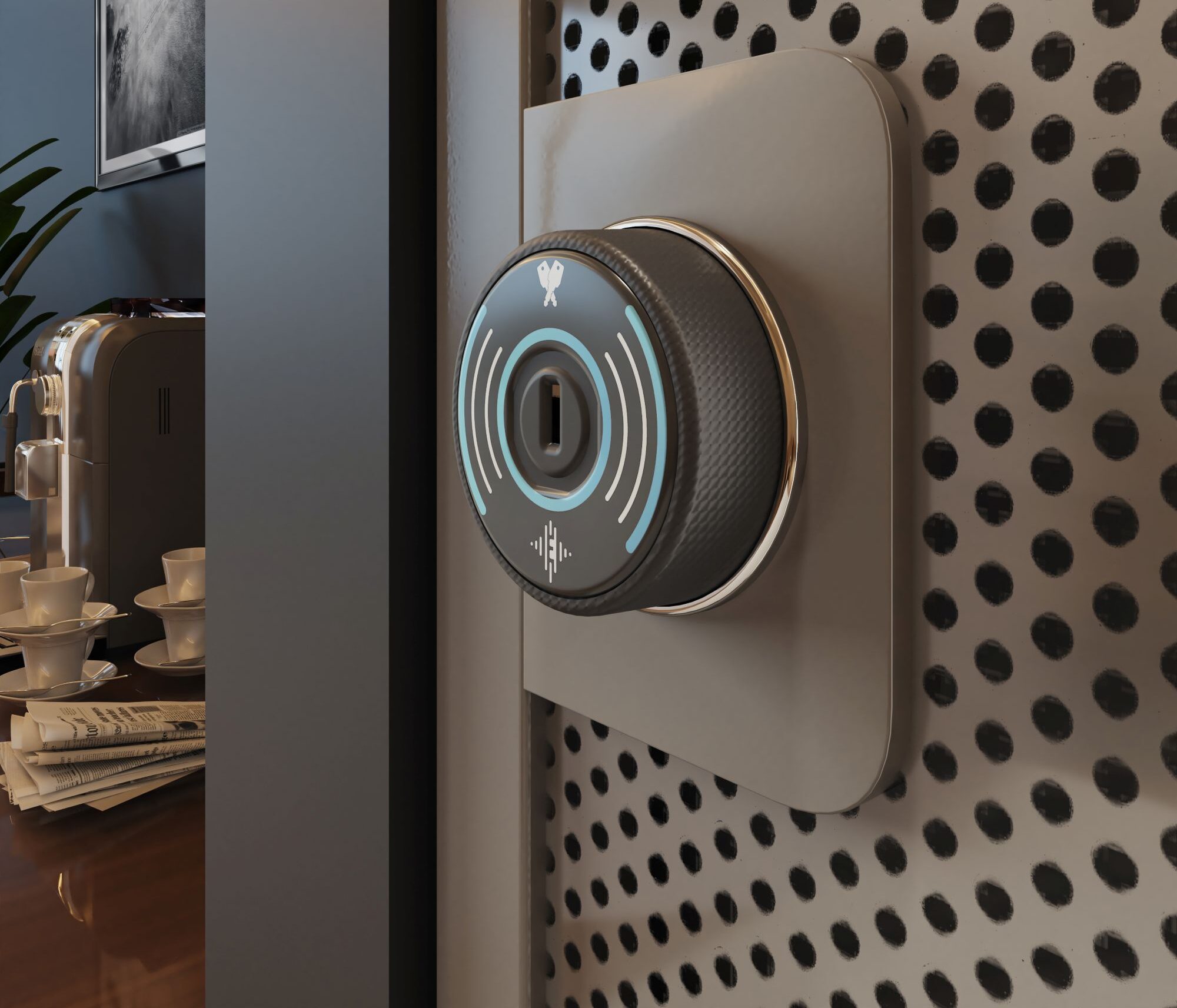
Workspace Storage
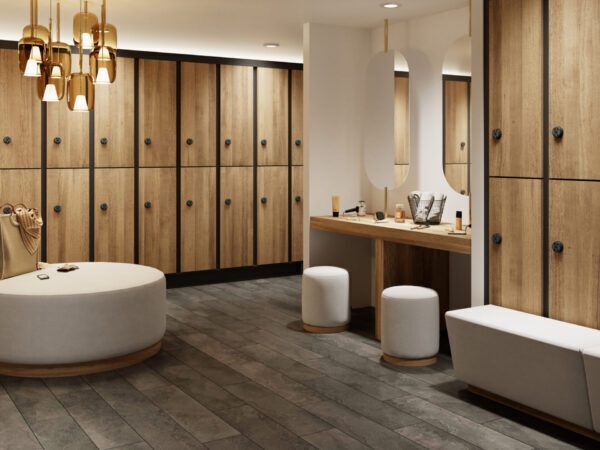
Sports Clubs and Leisure Centers
-
With ECHO in Public Mode, any member who has access to storage areas can choose a locker for use.
With ECHO in Registered Public Mode, grant members access to secure personal storage with a choice of locker.
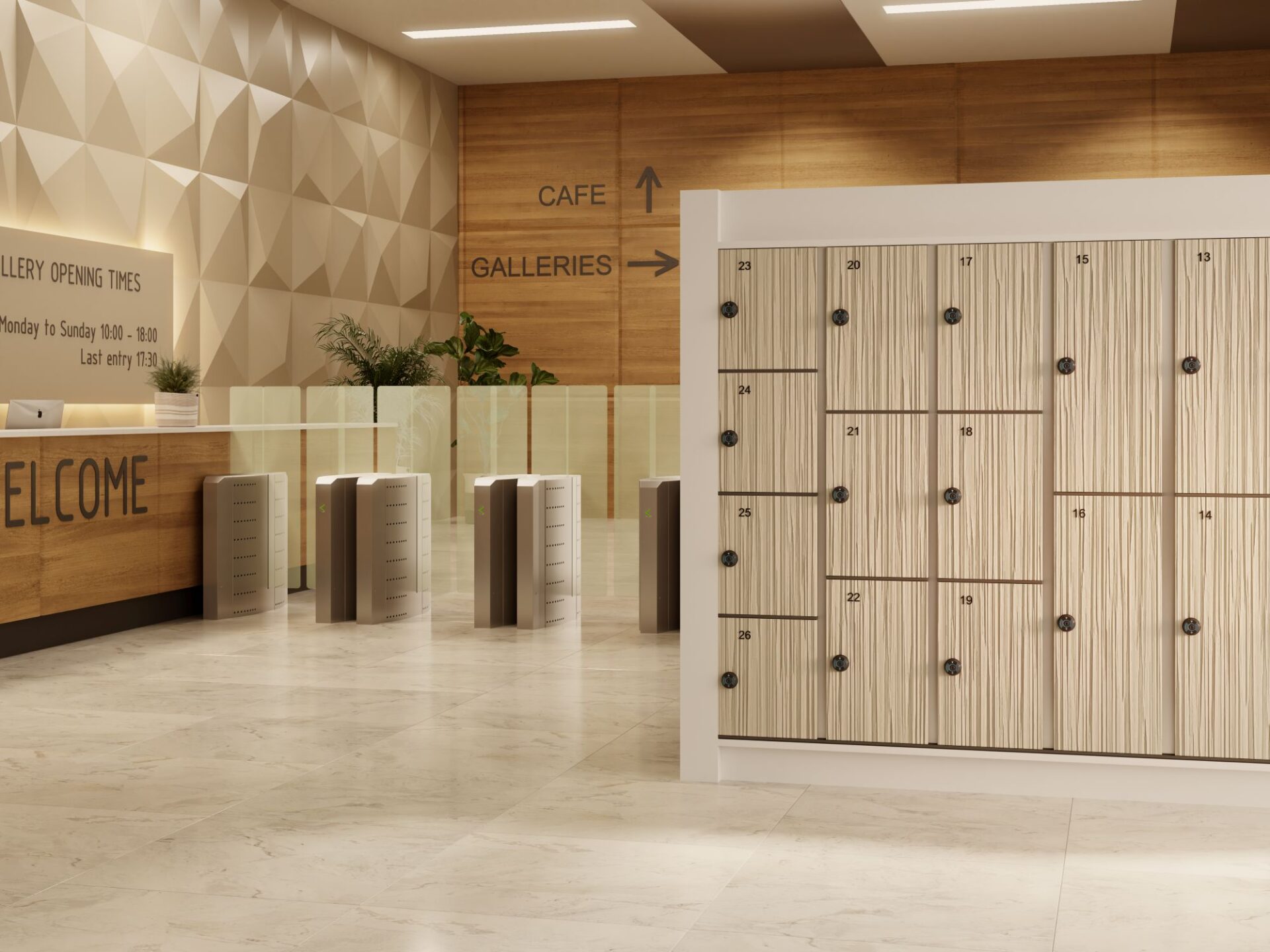
Tourist Attractions
-
With ECHO in Registered Public Mode, grant visitor-only access to storage areas.
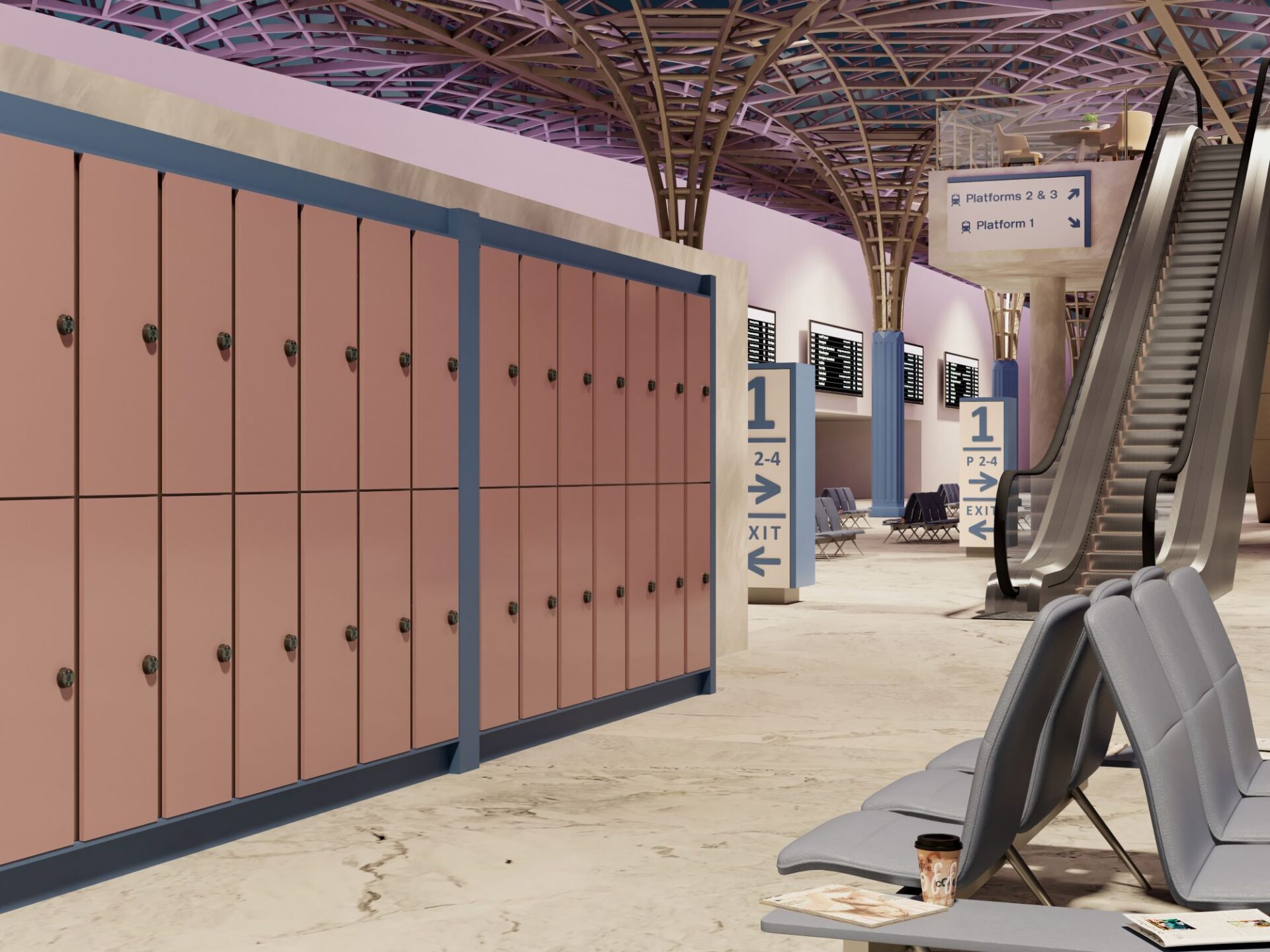
Transport Hubs
-
General public access to storage lockers in airports, train stations or bus stations.
How It Works
ECHO couldn't be easier to use: No keys. No codes. No cards. No problem.
To use an ECHO lock, all you need is your phone, a mobile signal or a WiFi connection – plus our ECHO App. That’s it! No need for Bluetooth or wireless hubs and routers, ECHO simply connects to the Cloud, fuss-free.
While ‘Capture Technology’ uses a tiny bit of energy from your phone, Near Field Communication (NFC) gets ready to talk to the lock. If you’ve never heard of NFC before, it is the technology your phone uses when you use Google Wallet or Apple Pay to make secure cardless payments at the checkout. Yes, it’s that safe to use.
Powered by ‘Capture Technology’
ECHO delivers the advantages of a fully networked, connected system – without the wires!
Energy-harvesting NFC technology lets ECHO capture the tiniest amount of energy from your smartphone. In fact, it takes such a small amount of energy to work an ECHO lock that even if your phone only had a 1% charge, it would be way more than enough to open and close an ECHO lock with ease.
So say goodbye to the need for regular lock maintenance. No batteries means no need to check and change them, lower maintenance overheads and, of course, no old batteries to dispose of. That’s a clear win-win all the way.
The Technical Bit
Near Field Communication (NFC)
NFC is a short-range wireless technology that lets you securely pass data from one device to another. It’s the same technology you already use when you make a contactless payment with your smartphone or payment cards.
How ECHO uses NFC
ECHO transfers a secure token from your phone to the lock, granting you instant, secure access.
One-time use, secure transaction
Once the transaction is complete, that token is immediately deactivated and cannot be reused. This ensures super-safe security every time you use an ECHO lock.
WHY CHOOSE ECHO
What makes ECHO unique?

Battery free
ECHO is wire and battery free. It doesn’t even need direct power. It uses Near Field Communication (NFC) to capture the tiny amount of energy it needs to open and close your locker.

NFC secure
NFC is the same tech you use when you make a contactless payment with your bank card or smartphone. ECHO uses NFC to transfer a secure token from your phone to the lock, giving you secure access to the locker. Once the ‘transaction’ is complete, the token is deactivated and cannot be reused.

Government-level security
You don’t need any codes, keys or an RFID card. ECHO uses Advanced Encryption Standard (AES) to protect your access. That’s the same system governments use around the world to ensure the highest levels of encryption for their documents. The security of your locker couldn’t be in safer hands.

Access monitoring
With ECHO, effortlessly track access history through the app or portal. Instantly see who accessed each lock and when, ensuring exceptional security and control, regardless of the number of users.

User friendly
All you need is the ECHO app and your phone. No need to grab keys, passcodes or anything else – just a few clicks and you’re done.

Planet friendly
No internal battery means ECHO has a lower carbon footprint. It reduces e-waste, lowers energy consumption and even eliminates battery maintenance, helping to extend the life of your locks.
FLEXIBLE OPERATING MODES
Making your locker installation work harder
ECHO gives you the flexibility to use the lock however you want. You can now have a single bank of lockers in your reception area that can be used by visitors or guests (Public Mode), or you can exclusively allocate lockers to staff and employees for their own use (Private Mode). Everything is controlled through the App – you simply decide how you want ECHO to work for you.
What modes are available?
ECHO gives you three operating modes – Public Mode, Private Mode, and Registered Public Mode.

Public mode
In Public Mode, lockers are ‘open’ and available for use by anyone.
Users request access to a locker by scanning a QR code displayed at the location, downloading the Echo app and registering. Admin approval is not required to use Public Mode locks, but access and usage can be monitored through the App or Web Portal.
Private mode
In Private Mode, users are granted exclusive access to lockers by the storage provider.
ECHO app can be used to securely lock and open their assigned locker, while admin can manage access and monitor usage through the App or the Web Portal.

Registered public mode
In Registered Public Mode, lockers are ‘open’ and available for use by anyone who is pre-approved/registered to use them.
Users must download the ECHO app when sent an invite email from a storage provider and must be logged into their account to lock and open any of the lockers within that location. Admin then uses ECHO app to send out email invites to pre-approved locker users and can also monitor lock availability.
APP OVERVIEW
ECHO app - one app, so many uses!
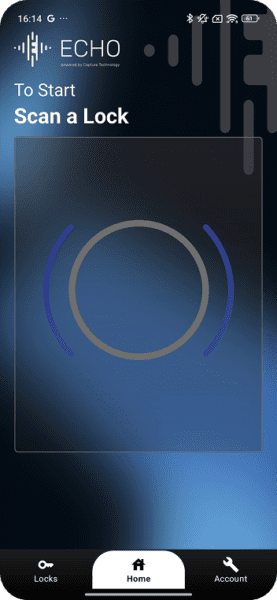
Whether you’re managing the lockers, or simply storing your things while you head for a workout, ECHO app controls it all. iPhone user or Android user, you’ll find the ECHO app on your app store.
Want to download the ECHO App?
You’ll find it on the App Store or Android Store.

User
As a user of the locks, you can use the App to:
- Lock / unlock your locker
- Share locker access with another user
- View name and location of your lock / locker
Manager or Owner
As the manager or owner of the locks, the ECHO app allows you perform multiple functions including:
- Effortlessly switch locks between its 3 flexible operating modes
- Allocate lockers to users / grant user access
- Send emails to users for account creation
- Unlock ‘blocked’ lockers
FLEXIBLE PLANS
Choose the right plan for your needs
-
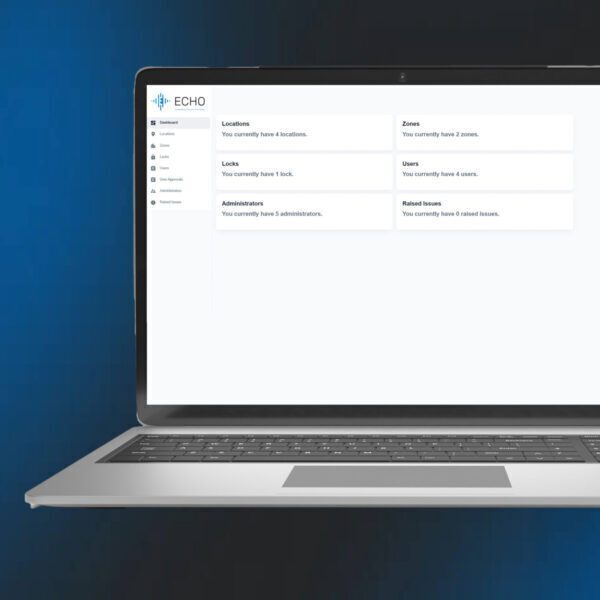
As standard the dashboard gives you an overview of all the ECHO locks, availability and who is using them. It also allows you to bulk upload email addresses.
The essential features for smaller locations:
- Full ownership control
- Control hub for seamless lock management
- Effortlessly approve and manage user accounts
- Import users in bulk
Try the Standard Plan for FREE on a 30-day trial! Just click the button in the App and sign-up today.
-
The Pro version gives you all the features of the Standard version, but with advanced functionality – including usage reports by lock and the ability to restrict the number of locks per user.
Advanced features for full control and enterprise-level storage:
- Add unlimited admin users
- Easily transfer ownership
- Assign multiple locks per user
- Manage multiple locations
- Monitor lock use
- Access comprehensive use reports including audit trails
Ready to upgrade? Simply click the button in your ECHO app now!
ECHO in action
Take a closer look
Try ECHO for real
ECHO lock is so unique, the best way to see how well it works is to try it in person. Book your ECHO demonstration and see why smart locks will never be the same again.
FAQs
Got a question about ECHO? Maybe we’ve already answered it for you. Alternatively, feel free to give us a call.
No, you can manage as many users as needed through the ECHO app, which allows for assigning, revoking, or modifying access permissions.